Lowest Prices in the USA! All order NO TAX | Enjoy FREE Shipping on all orders $25+

$88.00
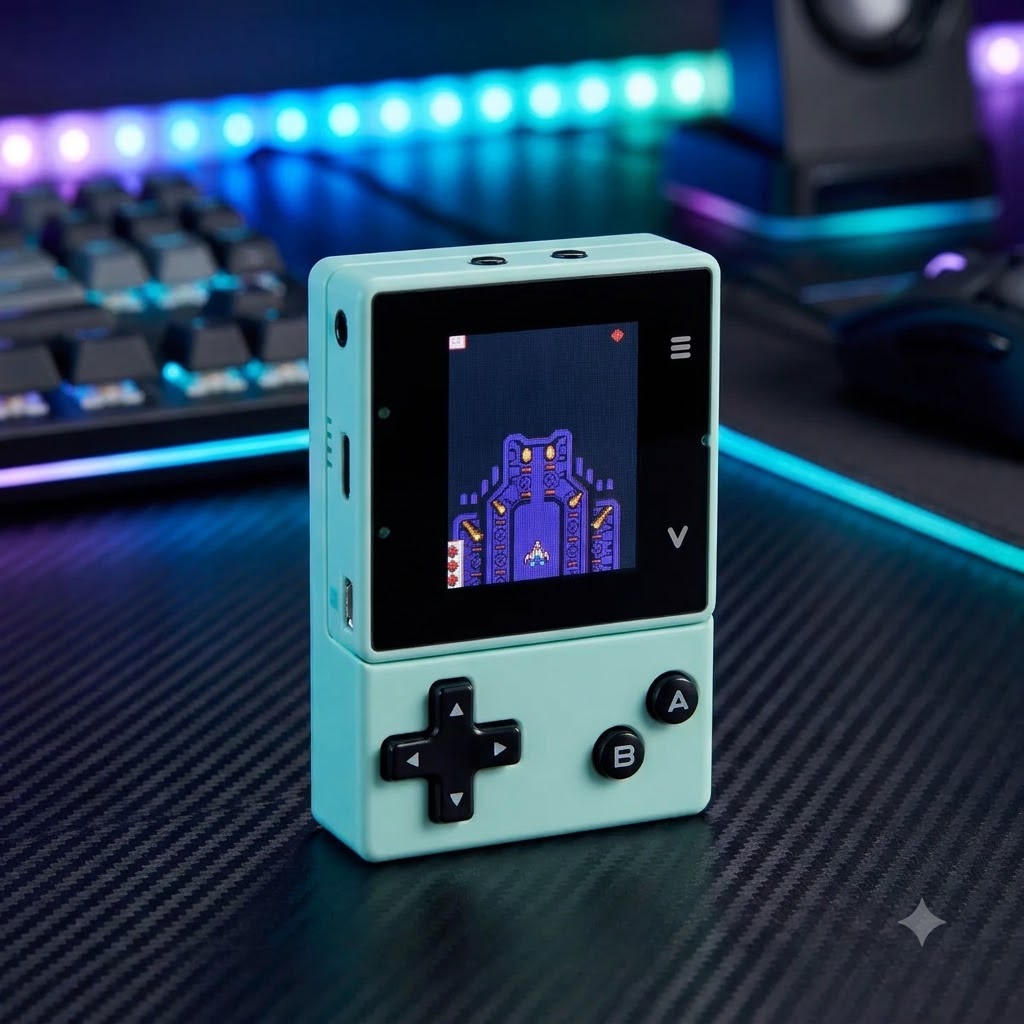
Transform screen time into an incredible learning experience with the Interactive Create Your Own Video Game Set. This hands-on STEM kit lets kids build their own console, learn real block-coding, and play custom 8-bit retro games. It is the ultimate tech gift to inspire young innovators and endless creativity!
The Interactive Create Your Own Video Game Set is an educational coding console crafted from durable ABS plastic, silicone, and metal. It empowers kids to program and play custom 8-bit retro games, making it the perfect STEM tech gift for young gamers aged 8 and up.
Give the ultimate gift of learning and play. This brilliant tech toy bridges the gap between screen time and skill-building. Young creators can dive into programming while having absolute fun.
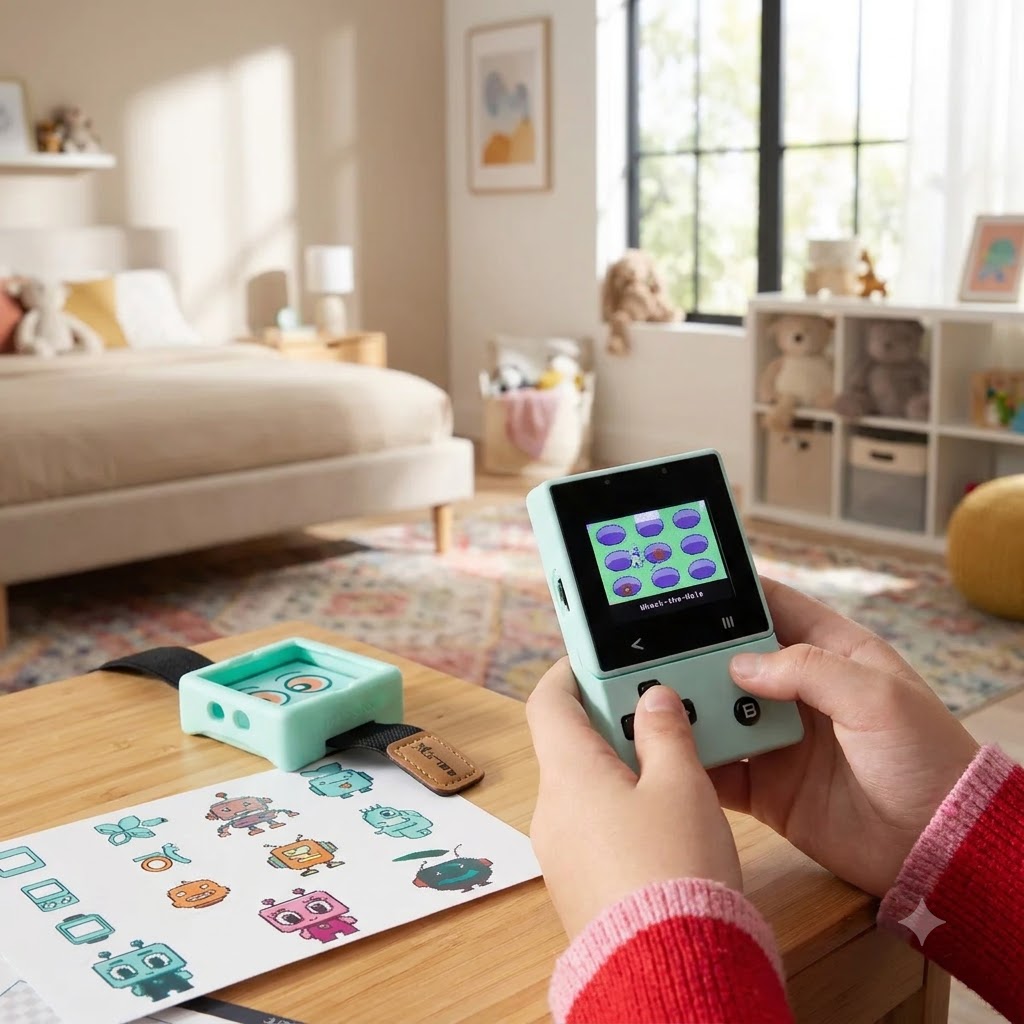
It acts as a hands-on introduction to logic and game design. Kids can easily explore coding using a beginner-friendly visual editor. They will feel an immense sense of pride playing games they built from scratch.
Find more inspiring ideas at The Cat Ball boutique gift shop.
Built for small hands and big ideas, this coding kit is incredibly versatile. It introduces foundational programming for kids using block-based coding, JavaScript, and Python.
Hands-on building: Assemble the console using the included parts.
Web-based coding: Design custom games via the intuitive MakeCode Arcade editor.
Retro arcade console: Download and play classic titles effortlessly.
Bonus functionality: Wear it as a functional smartwatch with a built-in pedometer.
Reliable memory: Features 16MB of built-in flash memory for game storage.
| Specification | Detail |
| Material Build | Nylon, metal, magnet, silicone, polyurethane, ABS plastic, circuit boards |
| Dimensions | 6.1″ L x 4.3″ W x 1.8″ H |
| Age Recommendation | 8 years and older |
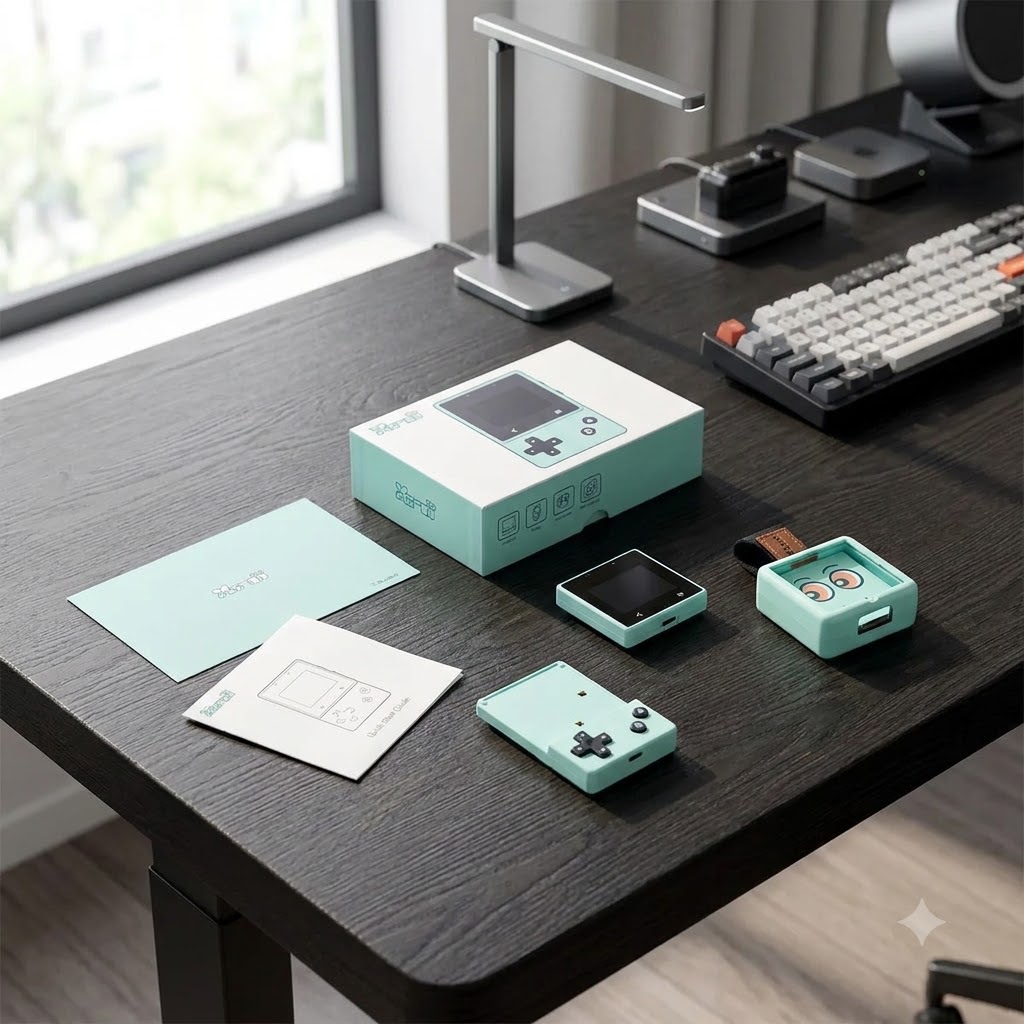
| Included Components | Console, silicon case, cable tie, USB-C cable, sprite card, stickers |
| Best Use Case | STEM education, coding basics, interactive tech gifting |
Setting up your new tech gift is an exciting, hands-on unboxing experience. The kit arrives with everything needed to build the physical device.
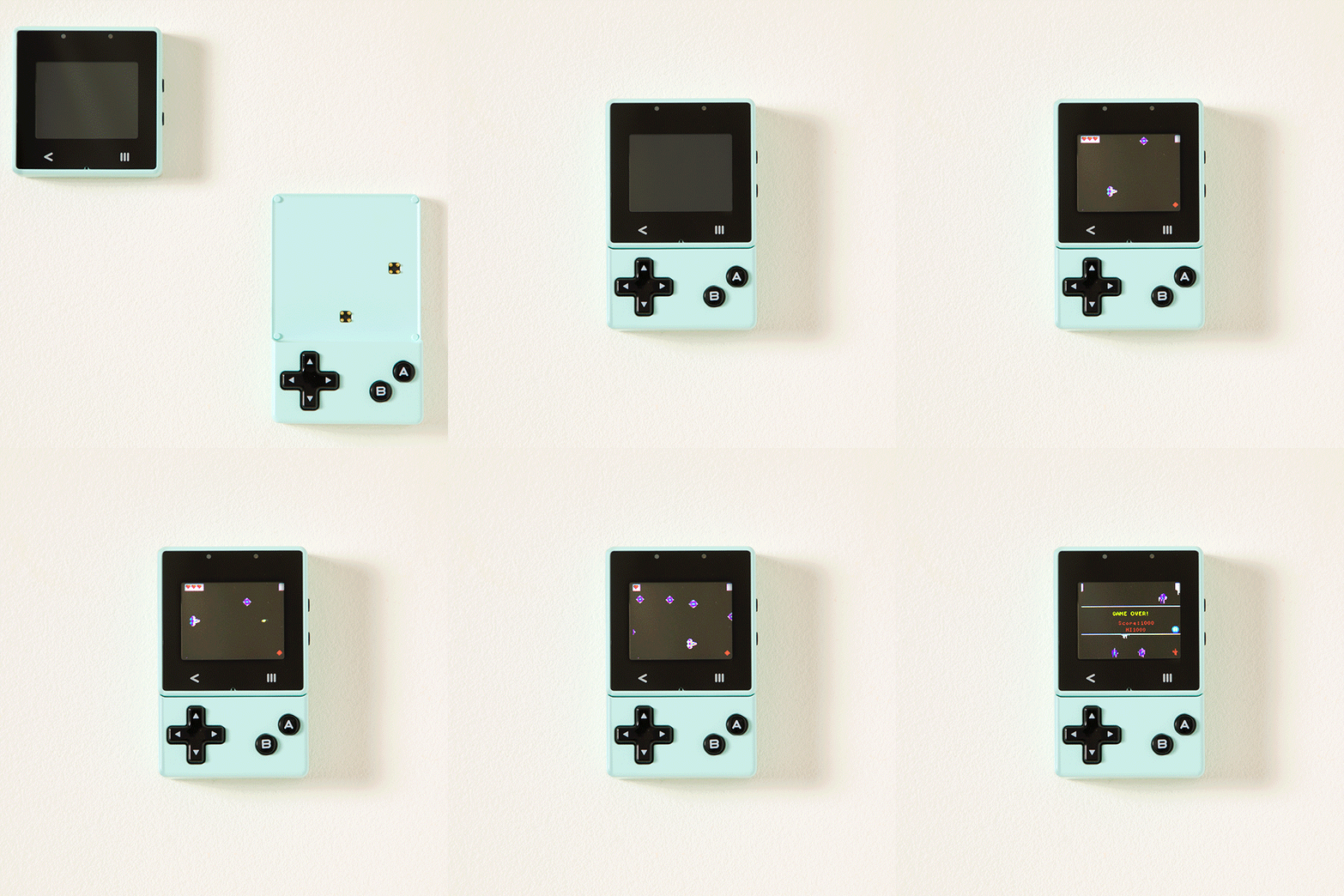
Assemble the hardware: Snap the console securely into the protective silicone case.
Connect to a computer: Use the provided USB Type-C cable to link to a PC or Mac.
Launch the editor: Open the web-based MakeCode Arcade platform in your browser.
Code your game: Use visual blocks to design exciting levels and characters.
Transfer and play: Download the game file to the device and start playing.
Gifting Tip: Since the software requires a computer and WiFi connectivity to code, ensure the recipient has access to a laptop or desktop. This makes an exceptional present alongside our other interactive STEM Toys.
Proper care ensures this educational gaming kit lasts through countless programming adventures. Keep the device looking and functioning like new with minimal effort.
Wipe it down: Clean the silicone case and screen with a dry microfiber cloth.
Avoid liquids: Never use harsh chemicals or wet wipes on the electronic components.
Safe storage: Keep the console away from extreme heat or direct sunlight.
Protect the ports: Ensure the USB charging port remains free of dust and debris.
What ages is the Create Your Own Video Game Set suitable for?
It is highly recommended for children aged 8 and up. The drag-and-drop visual editor is perfect for absolute beginners, while older kids can explore JavaScript and Python.
Do you need a computer to use this coding toy?
Yes, a personal computer (PC or Mac) with a WiFi connection is required to write the code. Once the games are transferred via USB, the console itself is fully portable.
Can you play existing games on this device?
Absolutely! If they want a break from coding, kids can easily download and play classic 8-bit titles from the golden era of home video games.
Only logged in customers who have purchased this product may leave a review.
Subscribe for early access to new arrivals, secret sales, and weekly updates.
Will be used in accordance with our Privacy Policy
 Decoration
 Accessories
 Beauty
 Book
Book Handmade
 Toys
ToysNo account yet?
Create an Account


Reviews
Clear filtersThere are no reviews yet.